
Description



FAST FACTS ABOUT THIS LIBRARY ORIENTATION SCAVENGER HUNT
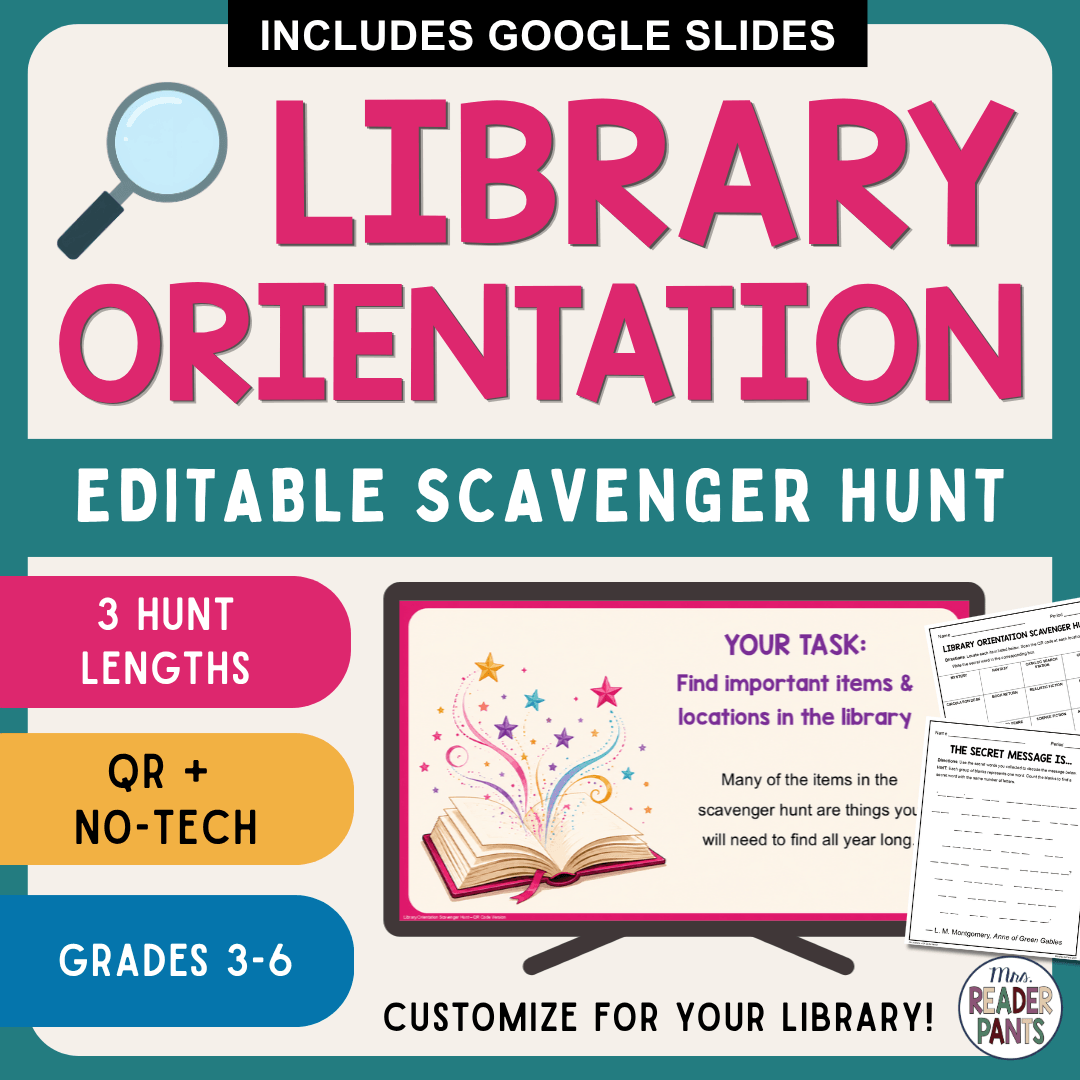
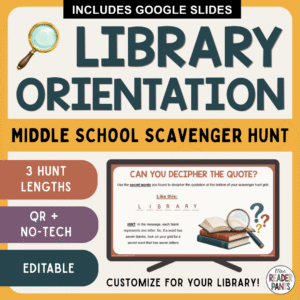
- Recommended for: Grades 3-6; back to school library lessons
- Formats: PowerPoint, Google Slides, and PDF
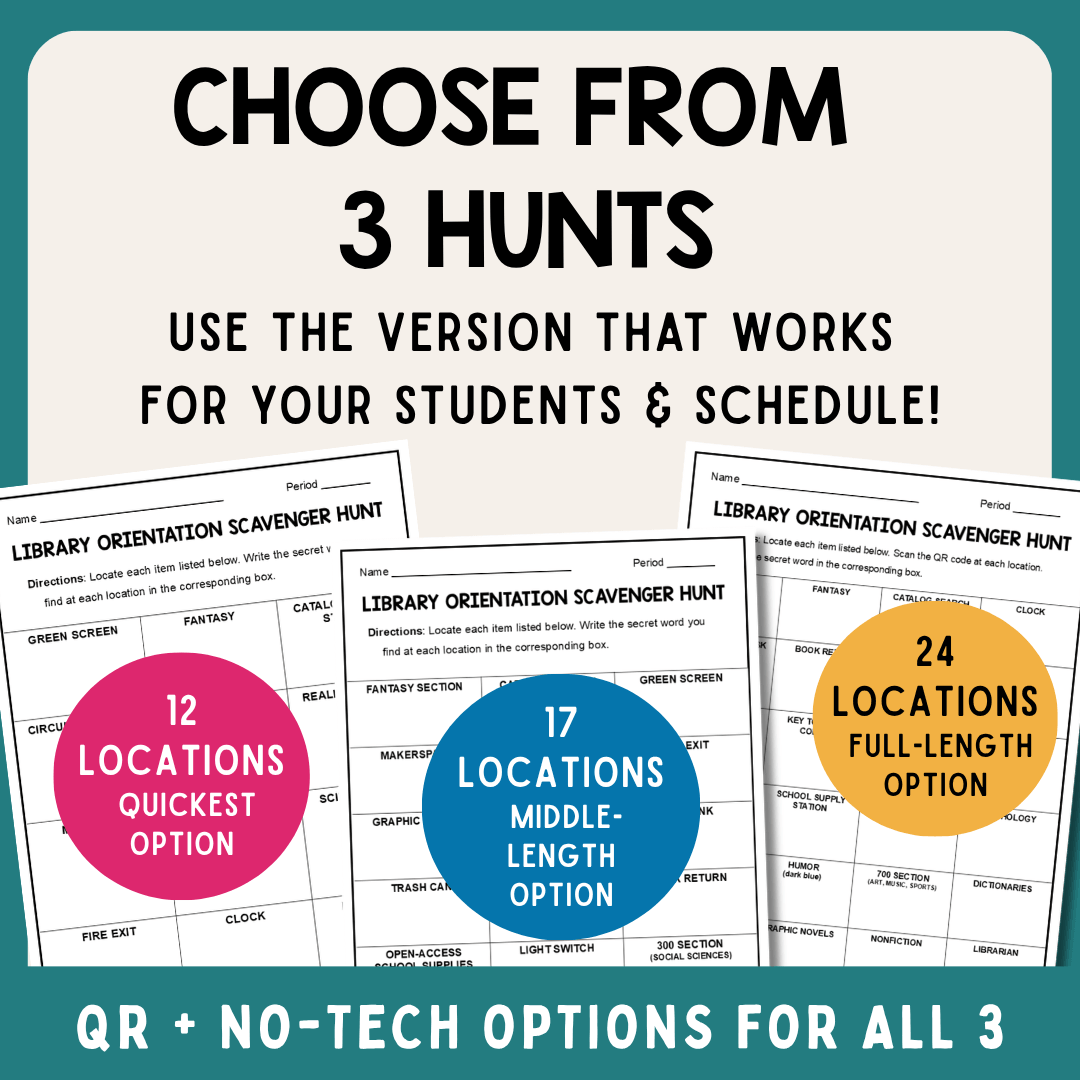
- Lesson duration: Choose the hunt that works for your schedule. The 12-location hunt is the quickest option, the 17-location hunt is a medium-length option, and the full 24-location hunt takes approximately 40–50 minutes.
- Technology options: QR Code AND No-Tech versions are included
- Editable: Library locations and most presentation text are editable. Images, QR codes, and secret words are not editable.
- Internet: Not needed! The QR codes do not require Wi-Fi or an internet connection to scan.
WHAT’S INCLUDED?
You get three different Library Orientation Scavenger Hunts, so you can select the length that works best for your students and library schedule:
- 12-Location Hunt – quickest option
- 17-Location Hunt – medium-length option
- 24-Location Hunt – full-length option, approximately 40–50 minutes
ALL THREE hunt lengths include both QR Code and No-Tech options.
Also included:
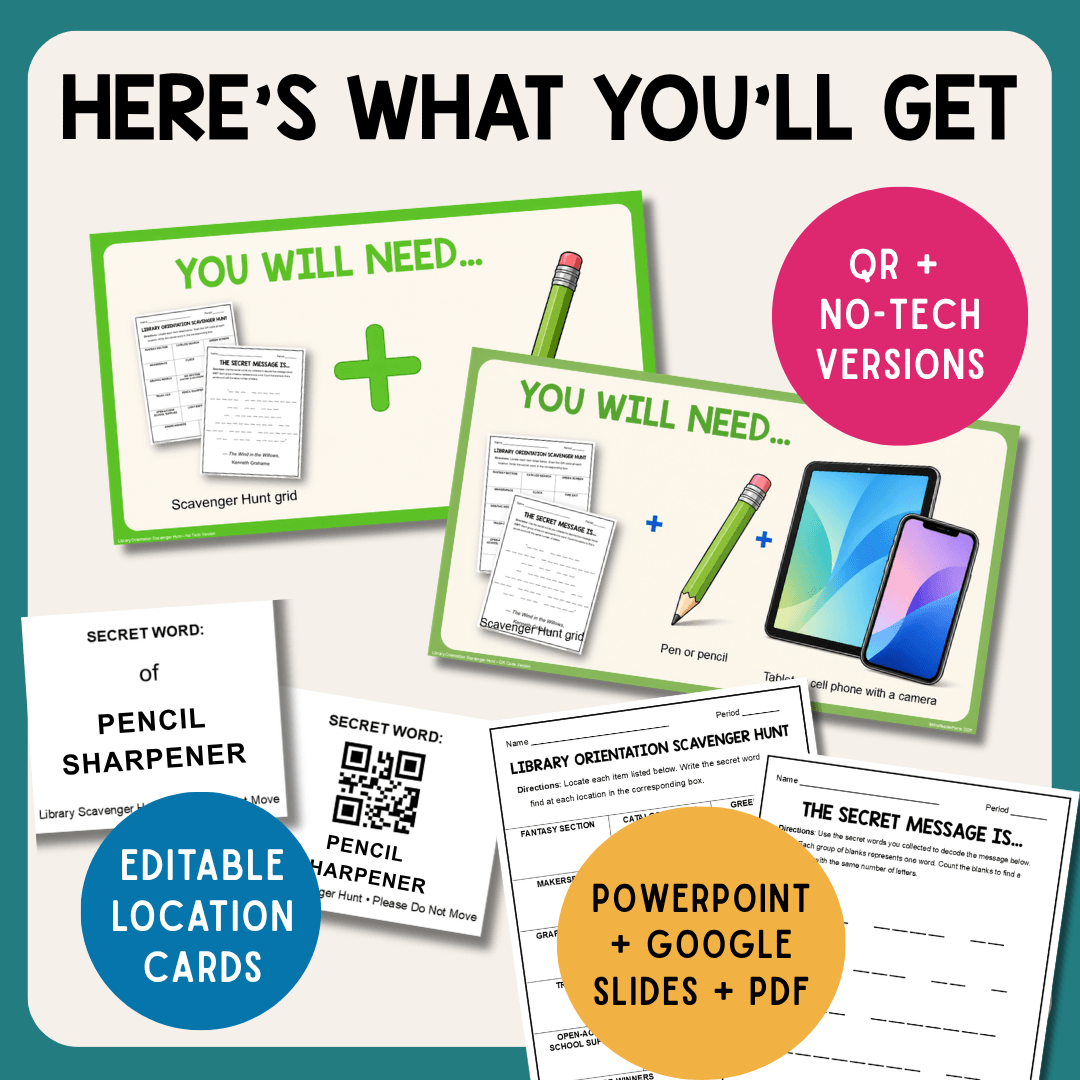
- Student directions presentations for both the QR Code and No-Tech versions
- Editable library location cards
- 3 scavenger hunt grids
- 3 secret message worksheets
- QR Code location cards with QR codes already created and ready to scan
- No-Tech location cards with secret words printed directly on the cards
- PowerPoint, Google Slides, and PDF formats
- Teacher/librarian setup directions and troubleshooting information
HOW DOES THE LIBRARY SCAVENGER HUNT WORK?
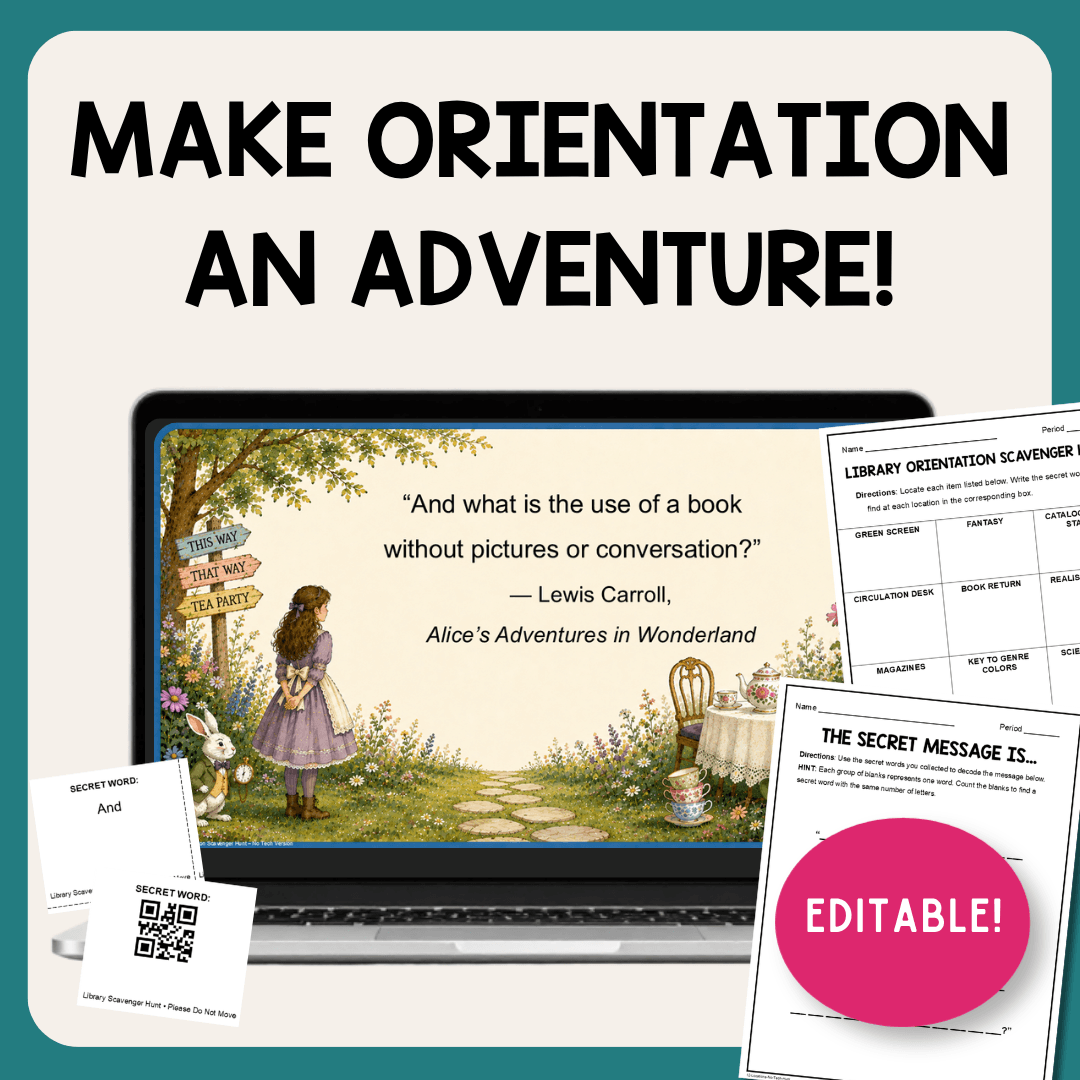
Students move around the library searching for the locations or items you select. At each location, they find a secret word. After finding all their locations, students use the collected words to reveal a final secret message.
The secret messages are book quotations from classic children’s literature – Anne of Green Gables, The Wind in the Willows, and Alice in Wonderland.
This Library Orientation Scavenger Hunt is an active way to introduce or review important library locations while helping students become more comfortable navigating the library independently.
QR CODE VERSION
Place a QR Code card at each selected library location. Students find the card, scan the QR code with a phone or tablet camera, and record the secret word that appears.
- The QR codes are already created and ready to cut and use! You do not need to create or edit the codes.
- No Wi-Fi is needed. Students need only a tablet or cell phone with a camera.
NO-TECH VERSION
Don’t want students using devices? No problem!
The No-Tech version works the same way, except the secret word is printed directly on each location card. Students simply find the card and record the word.
Students need only a pencil and scavenger hunt grid. No phones, tablets, QR scanners, or internet connection are required.
CUSTOMIZE IT FOR YOUR LIBRARY!
You decide which library locations your students need to know.
Possible locations might include:
- Book Return
- Self-Checkout Station
- Graphic Novels
- Award Winners
- Circulation Desk
- Catalog Search
- Makerspace
- Genre sections
- Classroom supplies
- Any other location or resource specific to YOUR library!
Simply click the location text boxes and type your own library locations.
WHAT IS EDITABLE?
Editable:
Library locations and most presentation text
Not Editable: Images, secret words, and QR codes
The secret words and QR codes are intentionally set up for you so that each completed hunt reveals its corresponding secret message.
WHICH HUNT SHOULD I USE?
Choose based on your students and the amount of time you have:
- 12 locations: Quickest option
- 17 locations: Medium-length option
- 24 locations: Full hunt; approximately 40–50 minutes
This makes the resource much easier to use with different library schedules—you don’t need a full class period to use the scavenger hunt.
WILL THIS LIBRARY ORIENTATION LESSON WORK FOR A SUB?
I recommend using this activity when the regular librarian or teacher is present. While the student activity is simple, the Library Orientation Scavenger Hunt requires advance setup because the location cards need to be customized, printed, and placed around your library.
YOU WILL ALSO NEED:
- Teacher/Librarian: Printer and copies of the student scavenger hunt pages
- For the QR Code version: Students need pencils plus tablets or cell phones with cameras.
- For the No-Tech version: Students need only pencils and their scavenger hunt grids.
- You do NOT need Wi-Fi for either version.
LOOKING FOR THE PREVIOUS VERSION?
This resource received a major update in August 2026, including new hunt lengths, new QR and No-Tech options, updated graphics, and new literary quotations.
If you purchased this resource before the update and would like the previous version featuring the original quote, please email me at le***@*********ts.net with your TPT purchase information, and I’ll be happy to help.
WANT A CLOSER LOOK?
Click the PREVIEW button at the top of this page. You’ll see the different hunt lengths, QR and No-Tech options, editable location cards, included materials, FAQs, and more.
You can even scan one of the QR codes shown in the preview to test it yourself!
Still have a question? Please email me at le***@*********ts.net or ask a question through the TPT Q&A.
I regularly add and update resources for school librarians and teachers. Subscribe to my email list to receive notifications when new products are posted!
YOU MIGHT ALSO LIKE:
Reviews
There are no reviews yet.